
Certu Intelligence
Watches every stage and acts autonomously, within the limits you set. Your approver steps in only where you require it. It also shows where cost, service and demand are heading, with sales, market and operations insights.

How Certu Intelligence works
Acts on what it detects across every stage, asks for approval only where you require it, and brings sales, market and operations insights.
Acts on what it detects
When something changes, Certu reschedules, replans and re-bids on its own.
Approval where you require it
You choose which decisions need sign-off. Everything else runs autonomously.
Insight across the business
Sales, market and operations data come together in one view, not separate reports.
What happens when a production line stops
Certu acts on its own across every stage. Your team steps in only where you require sign-off.
Expected back in 6 hours. 38 orders for 12 customers were due to ship tomorrow.
You choose which decisions need sign-off, for example when cost changes by more than $5,000 or customer deadlines change. Certu pauses at that step, automatically notifies the authorized approver, then carries on.
Amber values are illustrative.
- 1
Detects the delay and raises the alert
Picks up the stoppage from the plant's live data, identifies every order, shipment and customer it affects, and alerts them within one minute of detection.
- 2
Reschedules production
Folds the delay into the supply chain plan, rearranges the production schedule, and sends the factory and the 12 affected customers their new deadlines.
- 3
Replans shipments
Replans the 9 affected shipments around the new ready times and passes the plan to the warehouse and to Certu Weave.
- 4
Rearranges the stocking plan
Reworks the stocking plan for the late goods and updates inventory, so pickers and docks work to the new times.
- 5
Re-offers shipments and recomputes cost
Adjusts the affected shipments, re-offers them to carriers, notifies the shipper and recomputes each shipment's cost automatically.
- ✓
Resolved in 9 minutes
The factory, warehouse and carriers follow the new plan, and customers are told their new delivery time, all autonomously. People step in only where you require approval.
Shipper SLAs met
Recovery starts within a minute, so deliveries stay inside the shipper's SLA and no penalties are charged.
No sales lost to missed SLAs
Customers get their goods on the committed date, so orders aren't cancelled or lost to a competitor.
Planners freed from firefighting
The replanning runs on its own, so your planners move from firefighting to higher-value work.
What your team sees
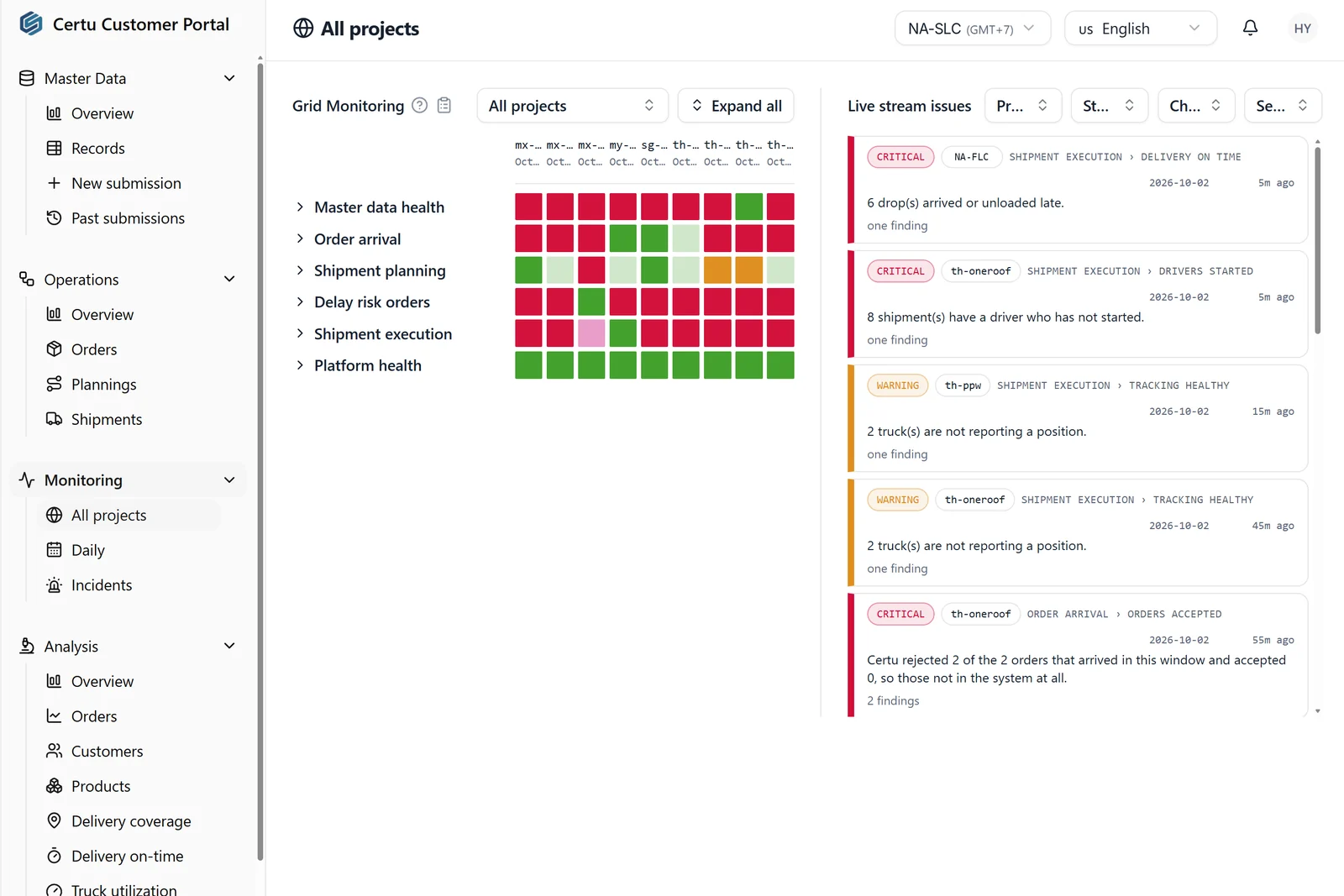
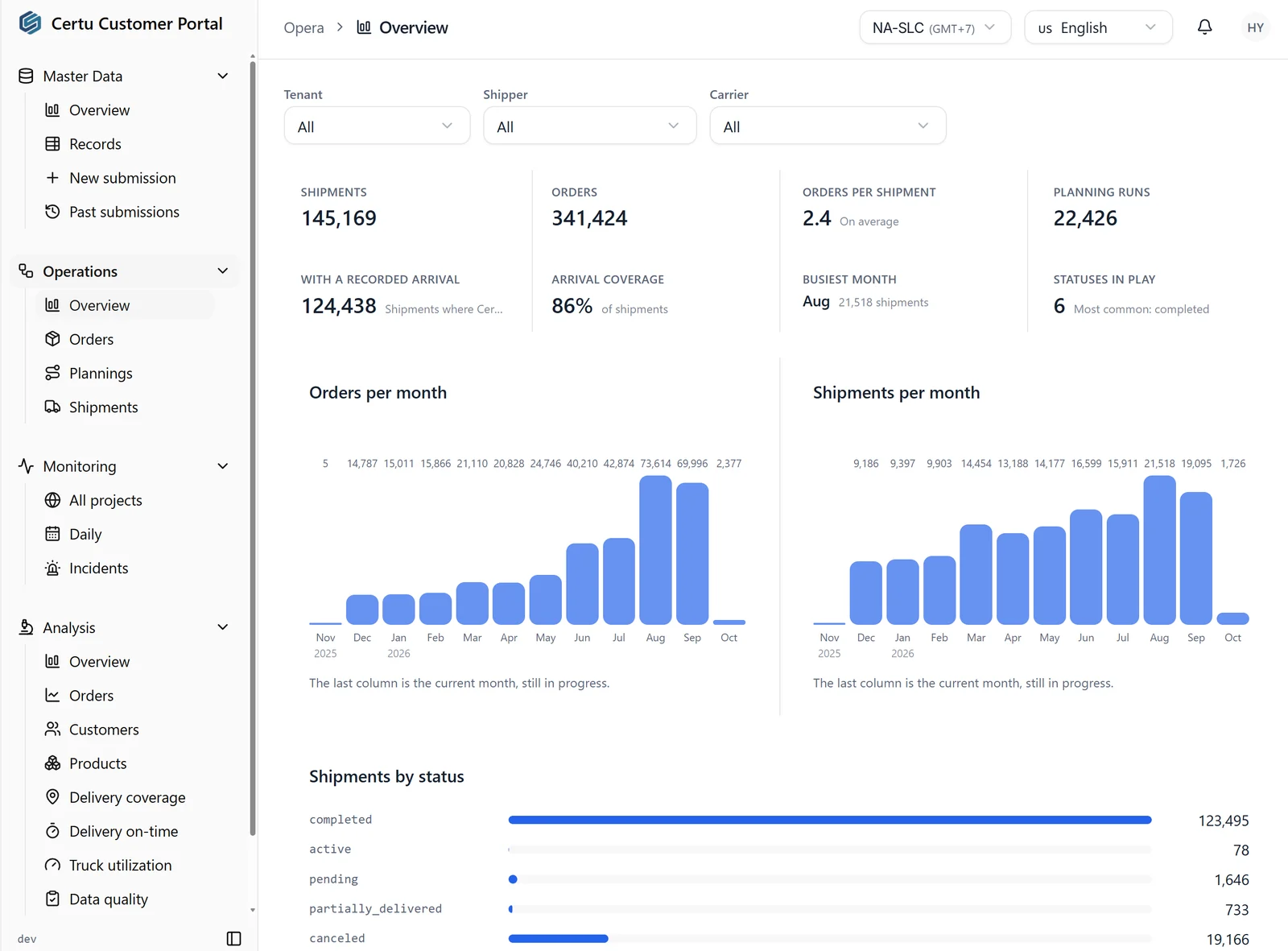
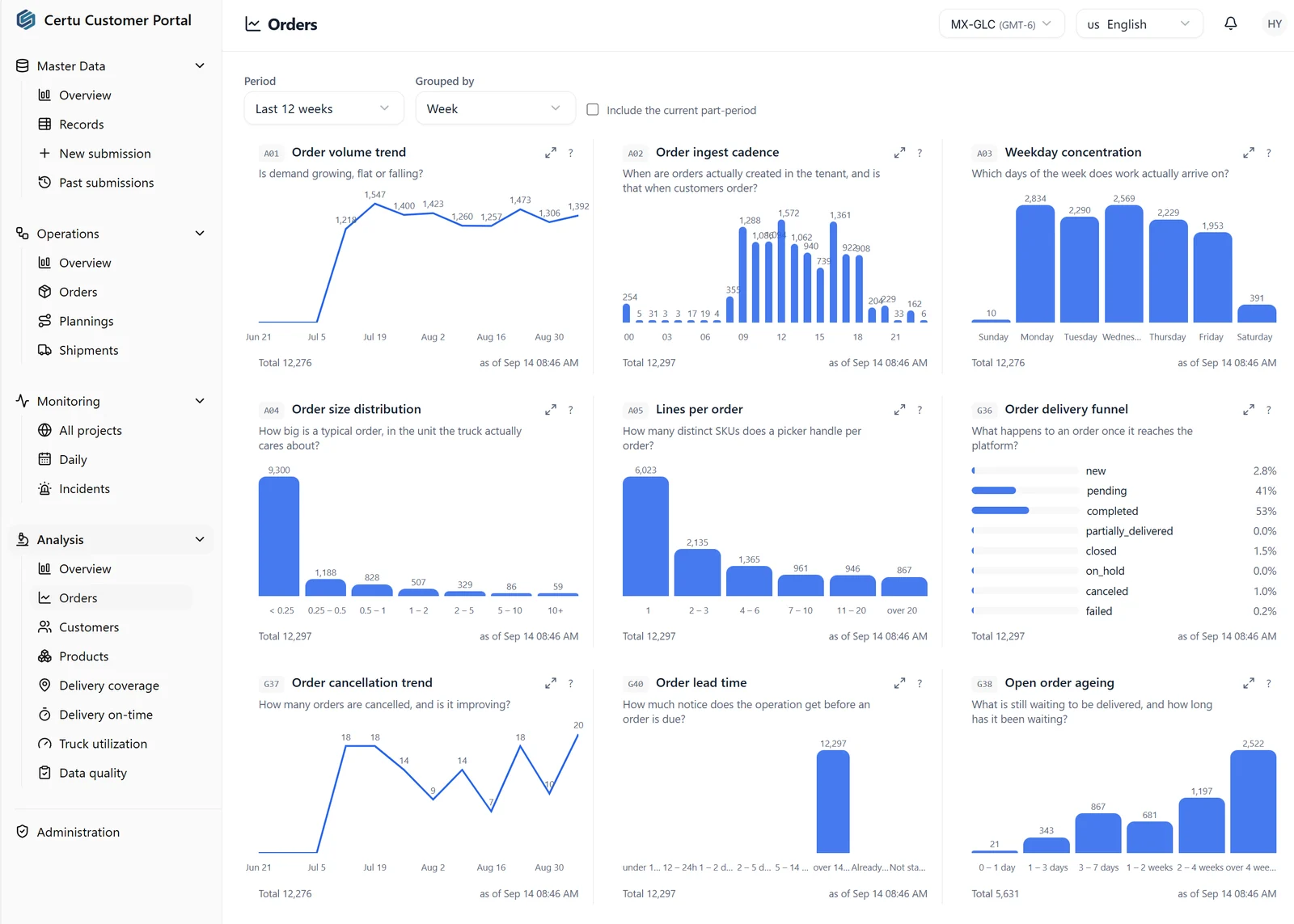
Screens from the Certu Customer Portal.
Works with the rest of Certu
Every solution reads from the same data and is watched by Certu Intelligence. Start with one, add the others when you are ready.
Try Certu on your own orders.
Run a Shadow Simulation on your historical data and see the difference in cost and service before you commit.